A message covering the whole screen means its licence needs attention. Find yours below to see whether you can clear it yourself or need a manager.
While it shows, nothing underneath can be tapped, and the keyboard and bump bar do nothing. It covers the sign-in screen too.
Dockets are not lost
Dockets the POS sends meanwhile are kept, and appear on the board once the screen works again. They do not sound or print. Nothing is removed.
What each message means
| Message | What it means | What to do |
|---|---|---|
| Connect to the internet to continue | Offline too long: a demo screen after a week, some Standalone screens after 35 days. | Reconnect the Wi-Fi or network cable, then tap Try again. |
| Licence not confirmed | The screen could not confirm its licence. | Reconnect it, then tap Try again. If it stays, tell a manager. |
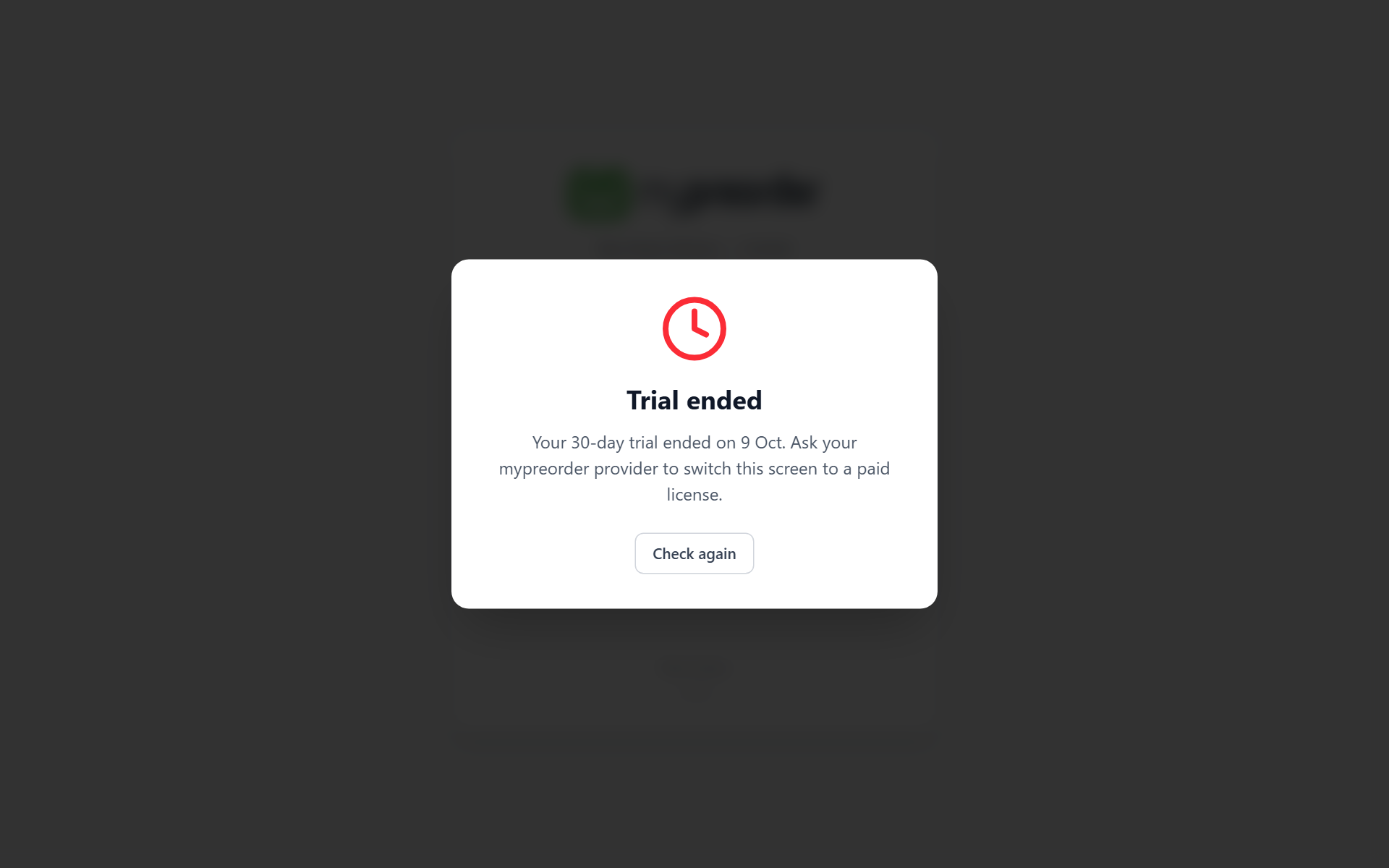
| Trial ended | The 30-day trial is over. | Tell a manager. |
| Trial Expired | The free trials at this location have all been used. | Tell a manager. |
| Licence needed | The screen has no licence. This is also what a screen shows after its licence was moved to another screen. | Tell a manager. |
| Licence period ended | A Recurring licence has reached its end date. | Tell a manager. If it has been renewed, connect the screen to the internet. |
| Licence Suspended or Licence Cancelled | The licence was suspended or cancelled. | Tell a manager. |
| Screen turned off | The screen, or its location, was switched off in the back office. Its orders are kept: Nothing has been removed. | Tell a manager. It works again as soon as it is switched back on. |
Those messages say who to ask. Once a manager has sorted it, tap Check again. The screen also checks by itself every five minutes while it is online. If Check again cannot reach the server, it says Couldn't reach the server. Check the internet connection.
While the screen is offline, a note replaces the button: This screen is offline. It starts working again as soon as it connects.
Warnings before it stops
- TRIAL under the logo, with the days left, such as 16 DAYS LEFT: amber, and red in the last three days. Every docket the screen prints carries the same line under the order number, such as TRIAL - 16 DAYS LEFT. It cannot be hidden.
- DEMO and NOT FOR SALE under the logo on a demo screen, and DEMO UNIT - NOT FOR SALE on its dockets.
- In the last week of a trial or a Recurring licence, a message after sign-in such as Trial ends in 5 days or Licence period ends in 5 days.
- On some Standalone screens, after four weeks without connecting, a banner along the top: Connect this screen to the internet within 5 days to keep it working. It turns red on the last day, and goes once the screen connects.
- On a demo screen, from the fourth day without connecting, the same banner with Demo screens need to connect at least once a week.
Done
The message goes and the board comes back, with the dockets that arrived meanwhile. This screen did not print them — see Print dockets from the display.
To see the licence it has now, see Check this screen's licence, sync and app version.