Customers → Import. Admin only, and the Customer Import module has to be enabled for your store — otherwise the tab reads "The Customer Import module is not enabled on your account."
Get the template
Select Download Template at the top right. It downloads customers-import-template.csv with the columns in the order the importer expects. Use it rather than building a file from scratch — the column order matters and the template is the definitive copy of it.
What the import does
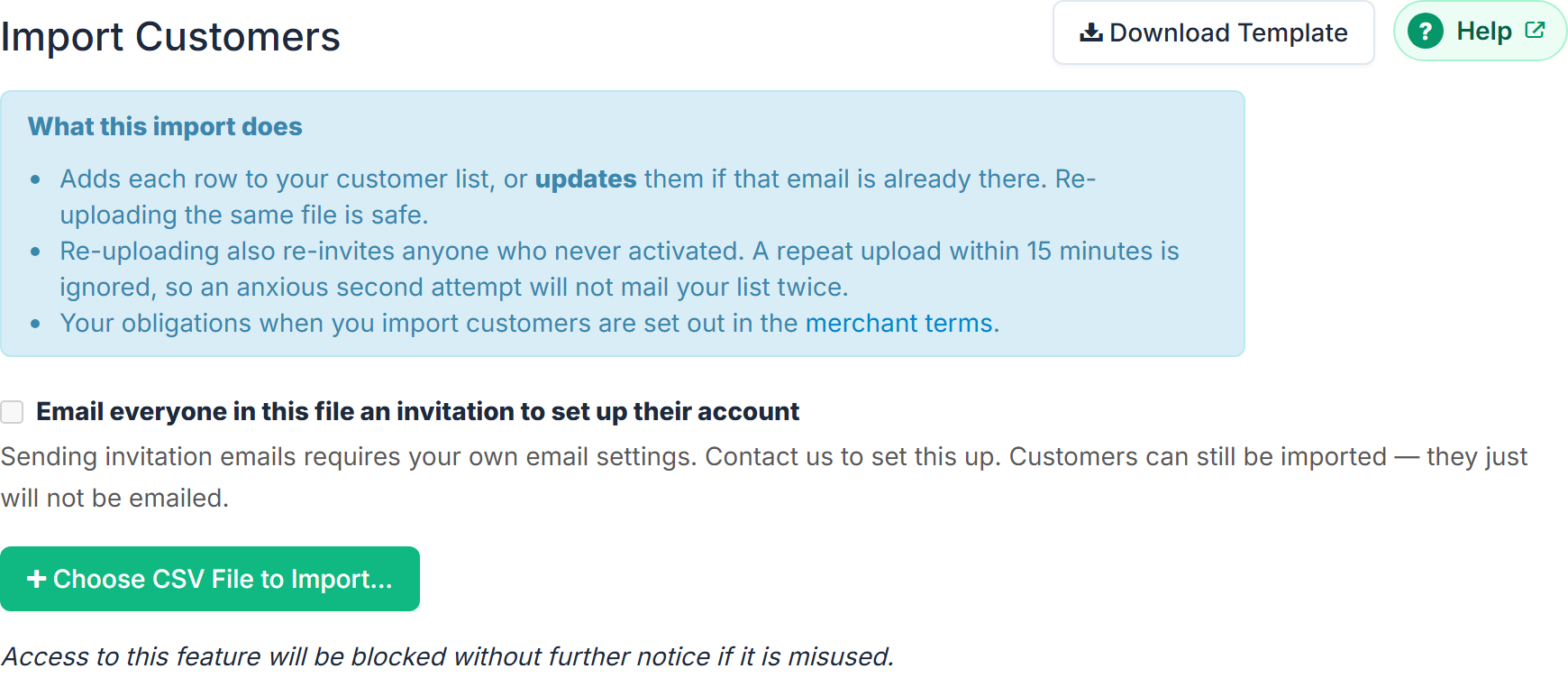
The screen sets this out under What this import does:
- Adds each row to your customer list, or updates them if that email is already there. Re-uploading the same file is safe.
- Re-uploading also re-invites anyone who never activated. A repeat upload within 15 minutes is ignored, so an anxious second attempt will not mail your list twice.
If your store has discount schemes, an extra bullet appears listing them by ID, and explains that you can add a 17th column called store_discount_id to put customers on a scheme as part of the import.
The invitation choice
Email everyone in this file an invitation to set up their account is ticked by default. Each new customer gets an invitation with a link to set their password.
Untick it and nobody is emailed — the customers are added quietly and will not know the account exists until they hear from you.
If your store has no email settings of its own, this box is disabled. See Send email from your own business address.
The permission tick
While invitations are going out, a second box appears:
I have permission to email these people. Every person in this file has agreed to receive marketing email from my business, or has bought from me recently enough to expect it. I understand mypreorder records this confirmation against my account.
It is never pre-ticked, and the file chooser stays disabled until you tick it — the hint reads "Tick the permission box above to choose a file." Untick the invitation box instead and the attestation disappears, because nothing is being sent.
Upload
Select Choose CSV File to Import... and pick your file. The result appears below the button.
Your obligations
Both the import screen and the merchant terms are explicit that the list is yours to justify. The screen also carries: "Access to this feature will be blocked without further notice if it is misused."