By default an order takes three taps to clear. A busy kitchen usually wants fewer.
The three modes
| Mode | How it works |
|---|---|
| Full Workflow | Step through every stage — three taps to clear. The default |
| Two-Tap Bump | The first tap selects the order, the second clears it |
| One-Tap Bump | A single tap clears it. You get five seconds to undo |
Full Workflow is the one to keep if you want the board to show what is being made right now, since each order sits visibly at Preparing and Ready. With Two-Tap or One-Tap, a bump clears the order from whatever stage it is at, so orders no longer move through Preparing and Ready on the way.
An order that arrives as New still needs Accept first, in every mode.
Change it
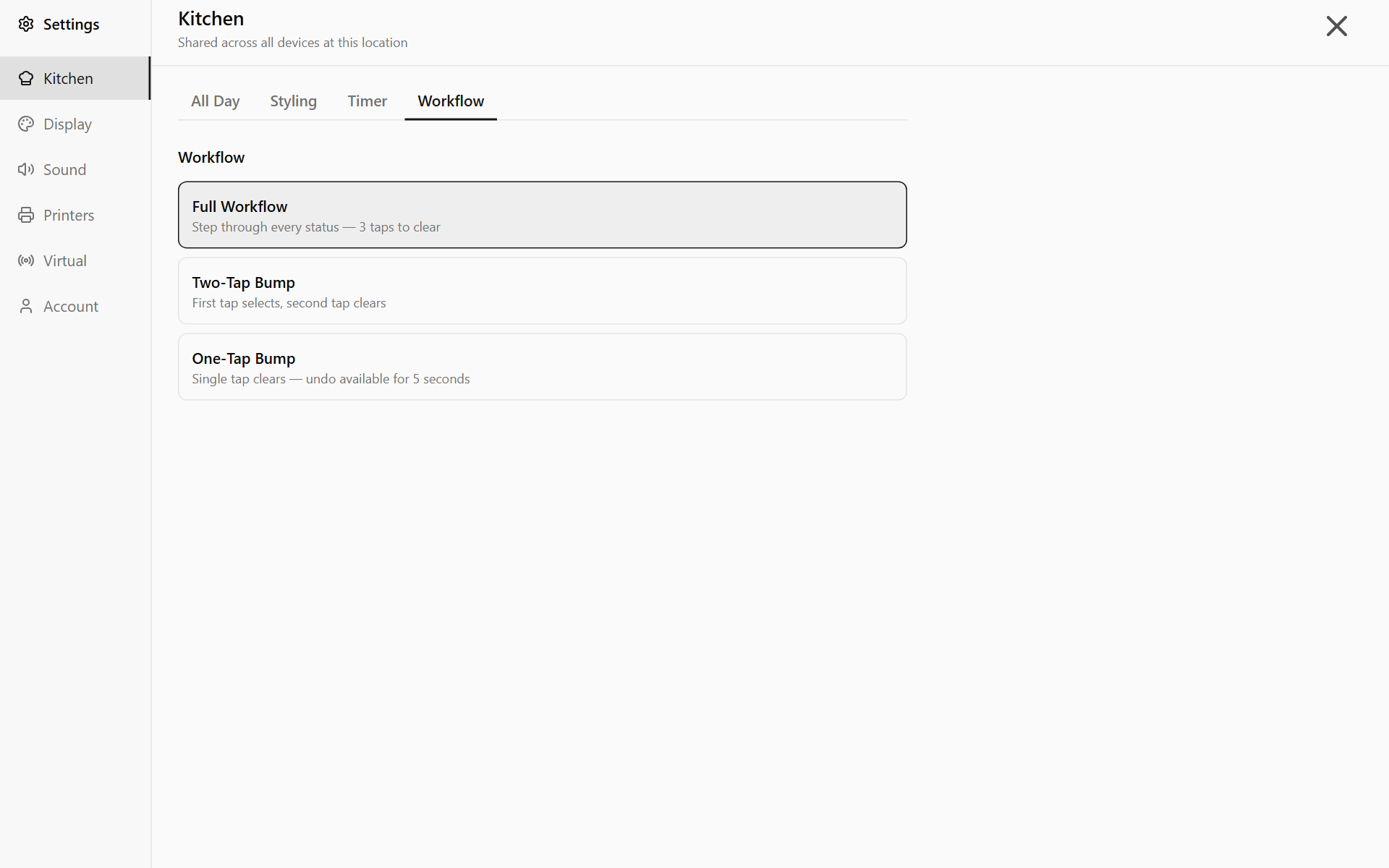
- Open Settings → Kitchen → Workflow. Signed in as staff, you do not see the Kitchen tab: tap Unlock and have a manager enter their PIN. See Unlock settings that need a manager PIN.
- Tap the mode you want. It applies immediately.
The mode is shared: it changes every screen at this location, not just this one.
Unpaid orders
Whichever mode you pick, an unpaid order does not clear straight away. Payment Required asks how it was paid. Tap Cash or Card and the order clears.
Undoing a one-tap bump
After a single-tap clear, Order completed shows with an Undo button for five seconds. Undo puts the order back at Ready. After that, see Bring back an order you have already cleared.