Your back office lives at merchant.mypreorder.com.au.
Sign in
- Open merchant.mypreorder.com.au in a browser.
- Enter your Username and Password.
- Tick Remember me if this is your own device.
- Select Login.
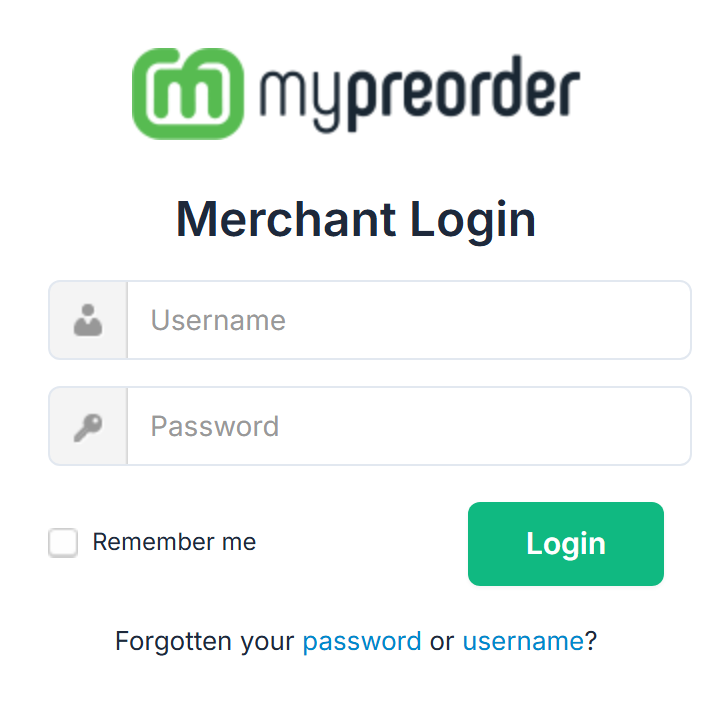
You land on the Dashboard.
Note that the field is Username, not your email address. It is the user name that was created for you, and it may be a short word rather than an address.
Already signed in
If you open the login page while a session is still active you see your store name and You are already logged in!, with two buttons: Dashboard to carry on, and Logout to sign out so somebody else can log in.
Signing out
Select Logout at the top right of the portal. On a phone, open the menu button first — Logout is at the bottom of that list.
If your password does not work
Below Login it says Forgotten your password or username?:
- password: enter your Username and select Email me a reset link. The link goes to the email address on your login. It works once, for 60 minutes, and opens the merchant portal to set a new password.
- username: enter your email address and select Email me my username. The email lists every username that address has, with its store.
Either way the screen says the email is on its way if that account exists. It says the same when there's no such account, so check the username or address you typed if nothing arrives. Look in your junk folder before asking again: only two requests go out in 30 minutes.
If the email can't reach you:
- A colleague who signs in as an Admin user can set your password for you. See Add a backoffice login to the merchant portal.
- If nobody can get in, contact support.
If you can sign in and simply want a new password, see Change your merchant portal password.
The Forgot password link your customers use when signing in to order does not reset a merchant portal login — they are separate accounts.