To take card payments online with daily settlement, you need your own payment account with Pin Payments. Opening one is free: there is no setup fee and no monthly fee. The only cost is a transaction fee on each online payment.
What you need, and how to apply
Our website has the full checklist and the link to apply:
- Australia: What you need to set up online payments
- New Zealand: What you need to set up online payments
Read it before you start. It covers your ABN or NZBN, your business bank account, the photo ID check for each owner and director, and the three documents Pin Payments asks every business for. An application that stalls is almost always missing one of them.
Already started an application? Log back in to your Pin Payments dashboard and pick up where you left off. You won't lose what you entered.
Where the portal points you
A store without its own payment account has Settings → Payment Gateway. It shows what your own account gives you and how applying works:
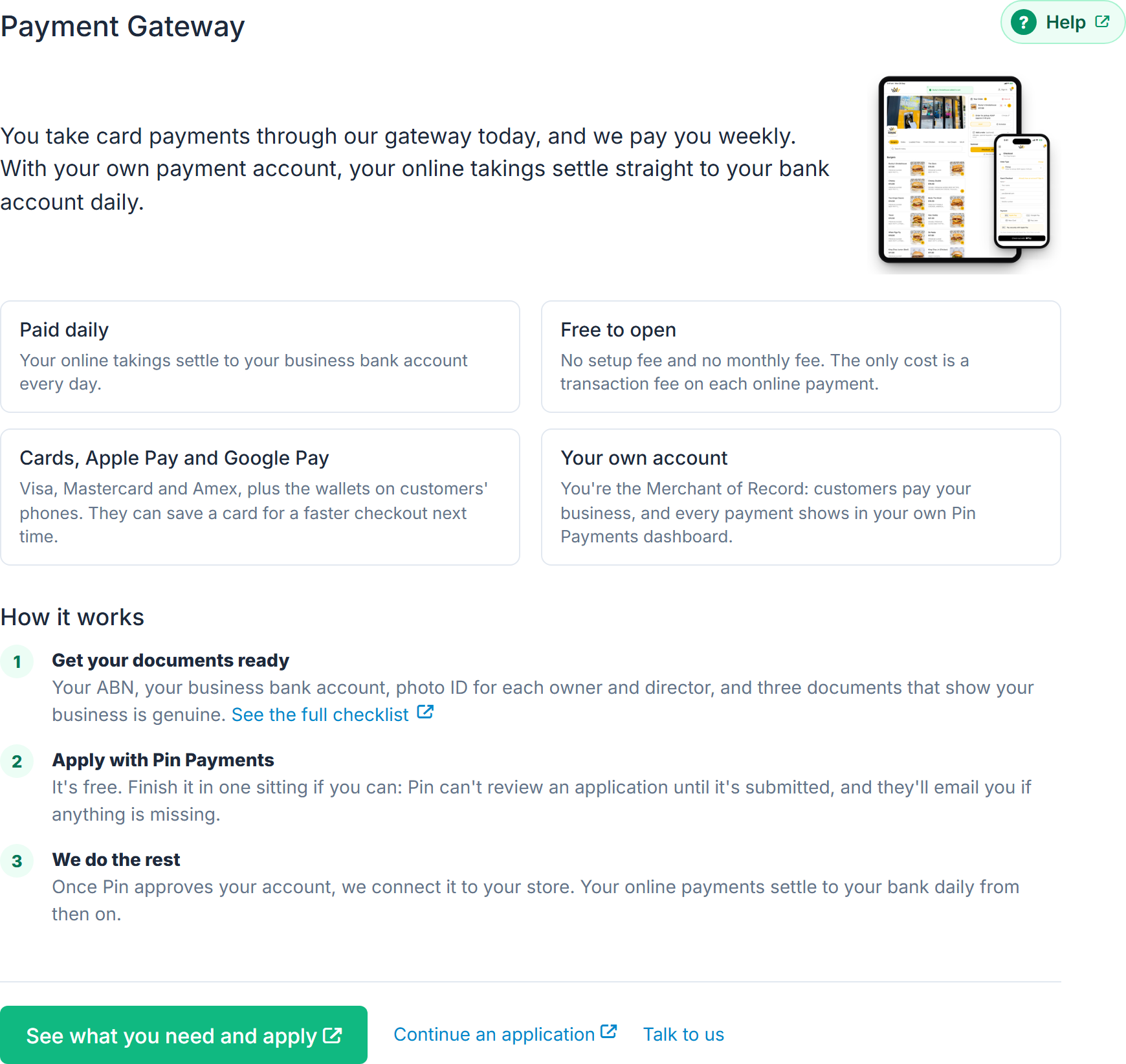
- See what you need and apply opens the checklist on our website.
- Continue an application opens your Pin Payments dashboard.
- Talk to us sends us a message from the portal.
While you apply
If you already take card payments through our gateway, nothing changes while you apply. We keep paying you weekly, into the bank account under Payments from us in Settings → Billing. See Update your payout bank account.
Once it is live
Once Pin Payments approves your account, we connect it to your store. Your online payments then settle to your bank daily, and each one shows in your Pin Payments dashboard.
- Tick Online payment in the Customer app column of Menu Builder → Order Types & Payments, then select Save Changes, so customers get the option at checkout. See Choose whether customers pay online or on collection.
- Refunds become possible from the order card and from Reports → Transactions. See Cancel or refund an order.
Apple Pay and Google Pay
If digital wallet payments are temporarily unavailable, a banner appears at the top of the portal saying so, and customers see a matching notice at checkout. Card payments are unaffected and your store keeps taking orders as normal. Nothing needs doing at your end.